 1999 - 2026
☰
1999 - 2026
☰
SportDraw is animated playbook software used to create and cloud-share plays, drills and playbook for various sports. Export your strategies as MP4 video, PDF, or web pages, and use integrated video markup tools to analyze team execution.
SportDraw supports the following sports: Basketball (NBA, WNBA, NCAA, NFHS, FIBA), Handball, Football-Soccer FIFA, Futsal, Indoor Soccer, Arena Soccer MASL, Minifootball WMF, Water Polo World Aquatics-FINA, Water Polo NCAA.

Easily create plays and drill actions from frame to frame. Diagram Cuts, Passes, Dribbles, Screens, Shots, or Hand-offs. Action lines support multi-segment linear and curved designs.
Design professional offensive and defensive basketball plays in minutes.
Automatically advance actions, players, and balls to the next frame based on your action lines.
Save Time: Automated player movement creates smooth linear and curved motion between frames. Manual motion is also fully supported.
Create, edit, print, and export plays while previewing live animations. Toggle between half-court and full-court views in Full HD with precision zoom tools.
Every play includes a media list. Add team videos to analyze execution and performance.
Use integrated video markup tools to draw shapes and action lines directly on video frames for clear team communication.
Manage your plays using a 3-stage category system in either tree-view or table-view layouts.
Print blank court templates or completed drills. Customize your playbooks with your team’s specific logo and brand colors.
Use pre-made play templates as a starting point to Save Time. Quickly set up Zone and Man Defenses, Baseline Out-of-Bounds (BLOBs), and Sideline Out-of-Bounds (SLOBs).
SportDraw includes 500+ pre-loaded drills and plays for basketball and 150+ for soccer, handball, and water polo.
Switch between colored circles, realistic human body icons, or text labels. Fully customizable via the right-click context menu.
Export your plays as MP4, MPEG, or AVI videos. Alternatively, publish as a printable PDF e-book or a responsive web page for mobile viewing.
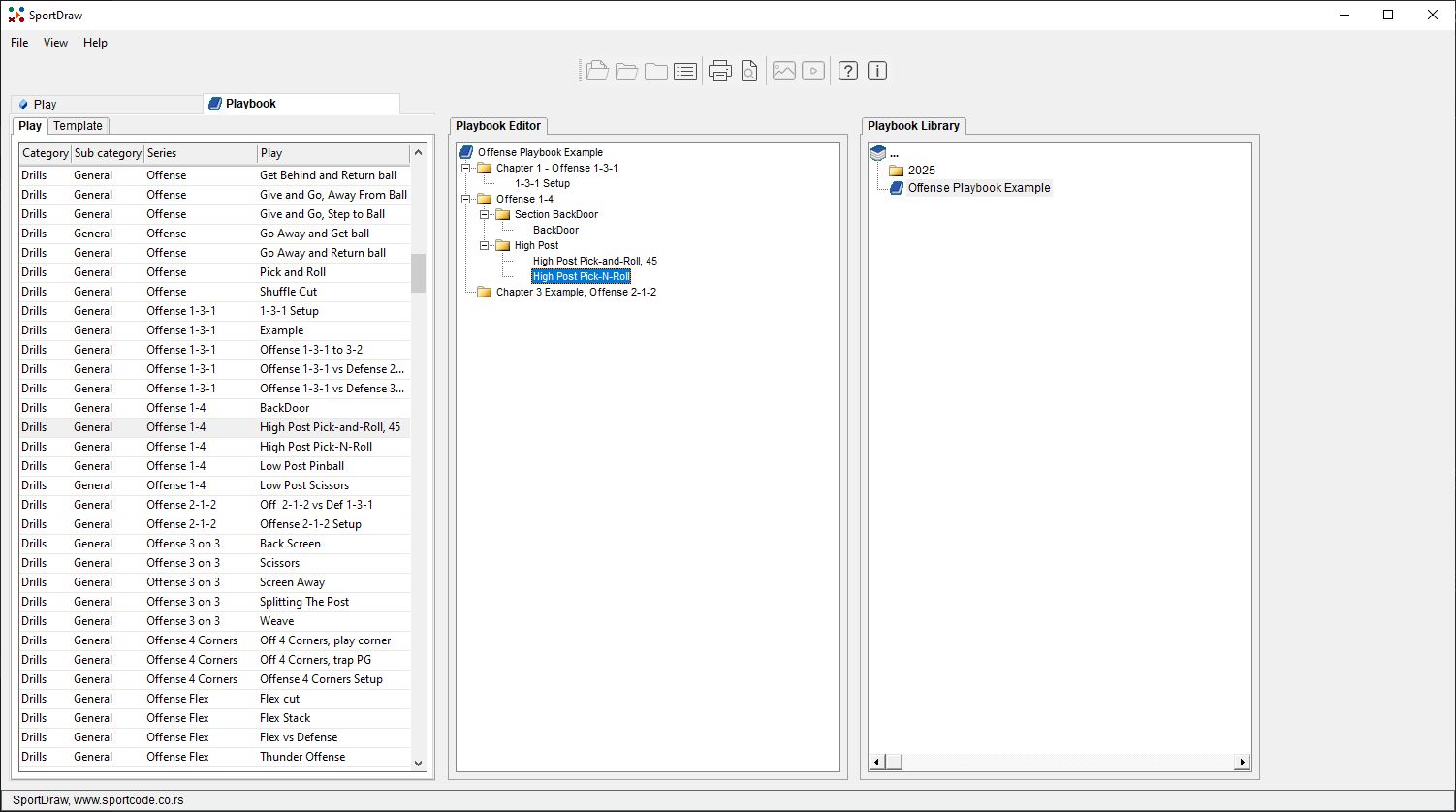
Easily build, edit, and export playbooks. Includes an automated Table of Contents (TOC), drag-and-drop drill organization, and multiple printable formats in PDF or web-responsive layouts.
Manage your playbook files and folders with ease. Duplicate, rename, copy, or move files using a simple drag-and-drop interface.
Share drills or entire folders via the cloud, network, or email. Perfect for rapid communication between coaching staff and players.
Print blank courts or detailed drills with flexible layouts. Choose the number of courts per page and customize headers and footers with team names and coaching notes.
Present your tactics and strategies to your team in a full-screen, immersive experience optimized for projectors and large screens.
Full support for Western and Eastern languages, including Turkish, Chinese, Korean, Japanese, and RTL support for Arabic and Hebrew.
SportDraw's screenshots provide an engaging visual overview of its Animated Playbook and Play Diagramming software.
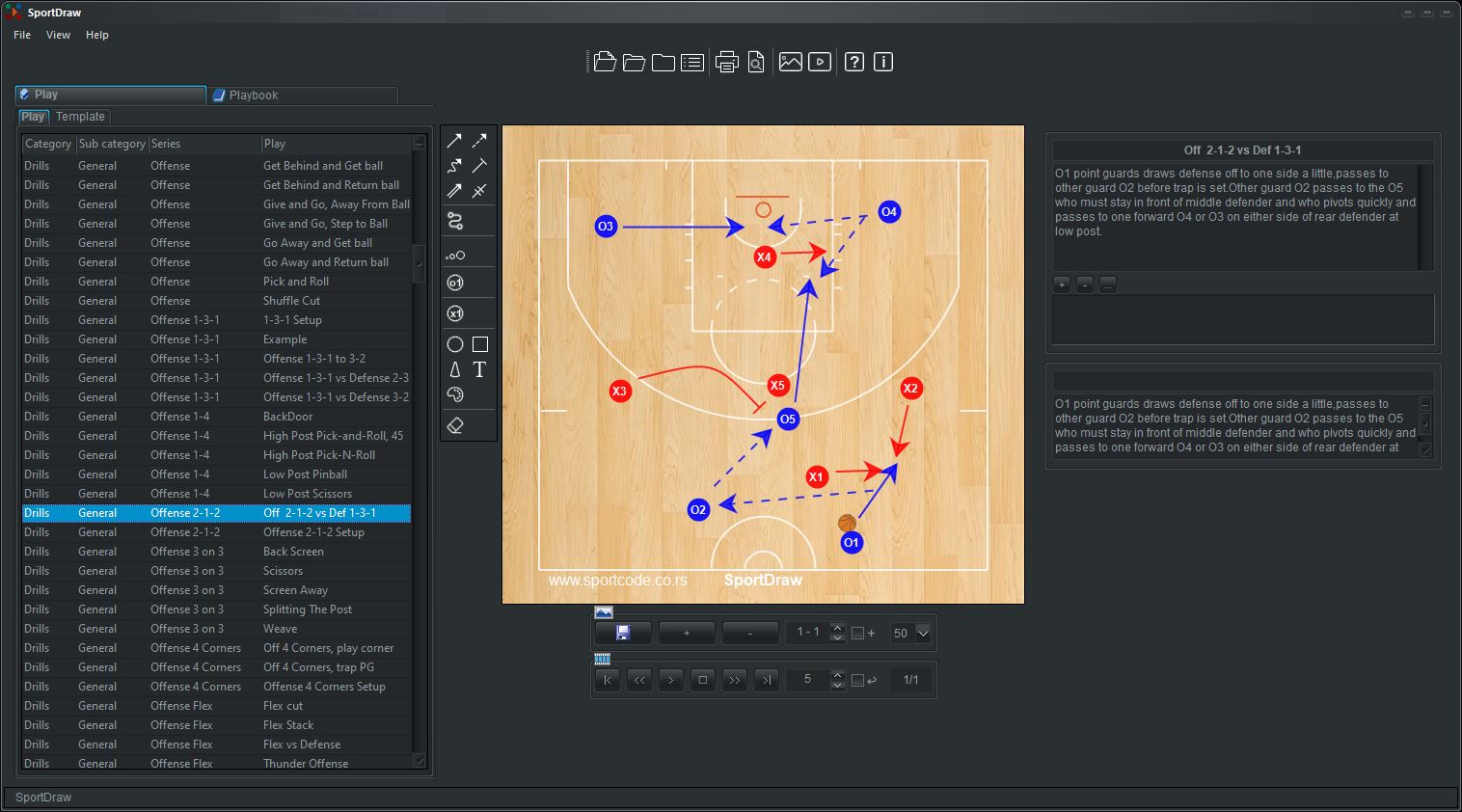
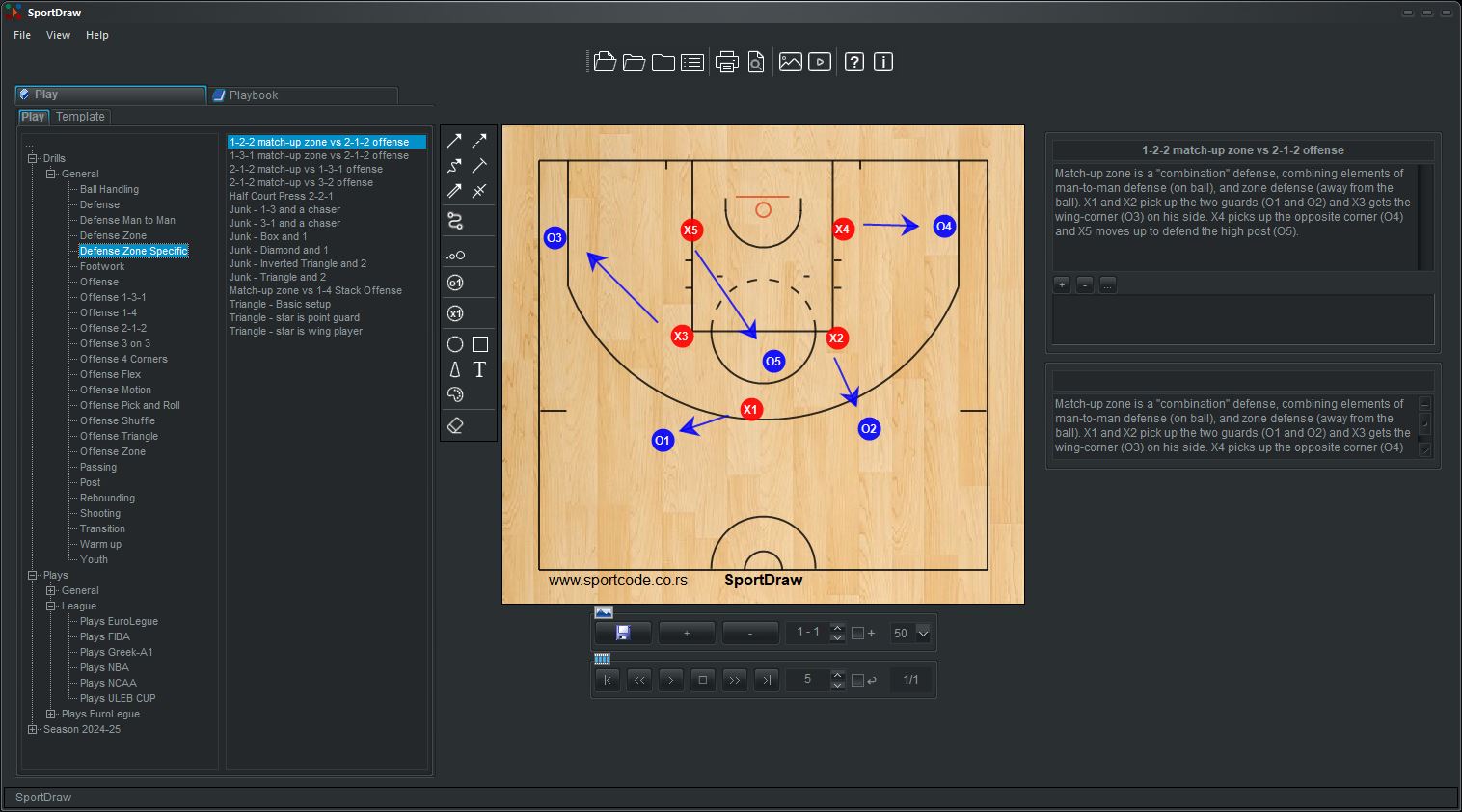
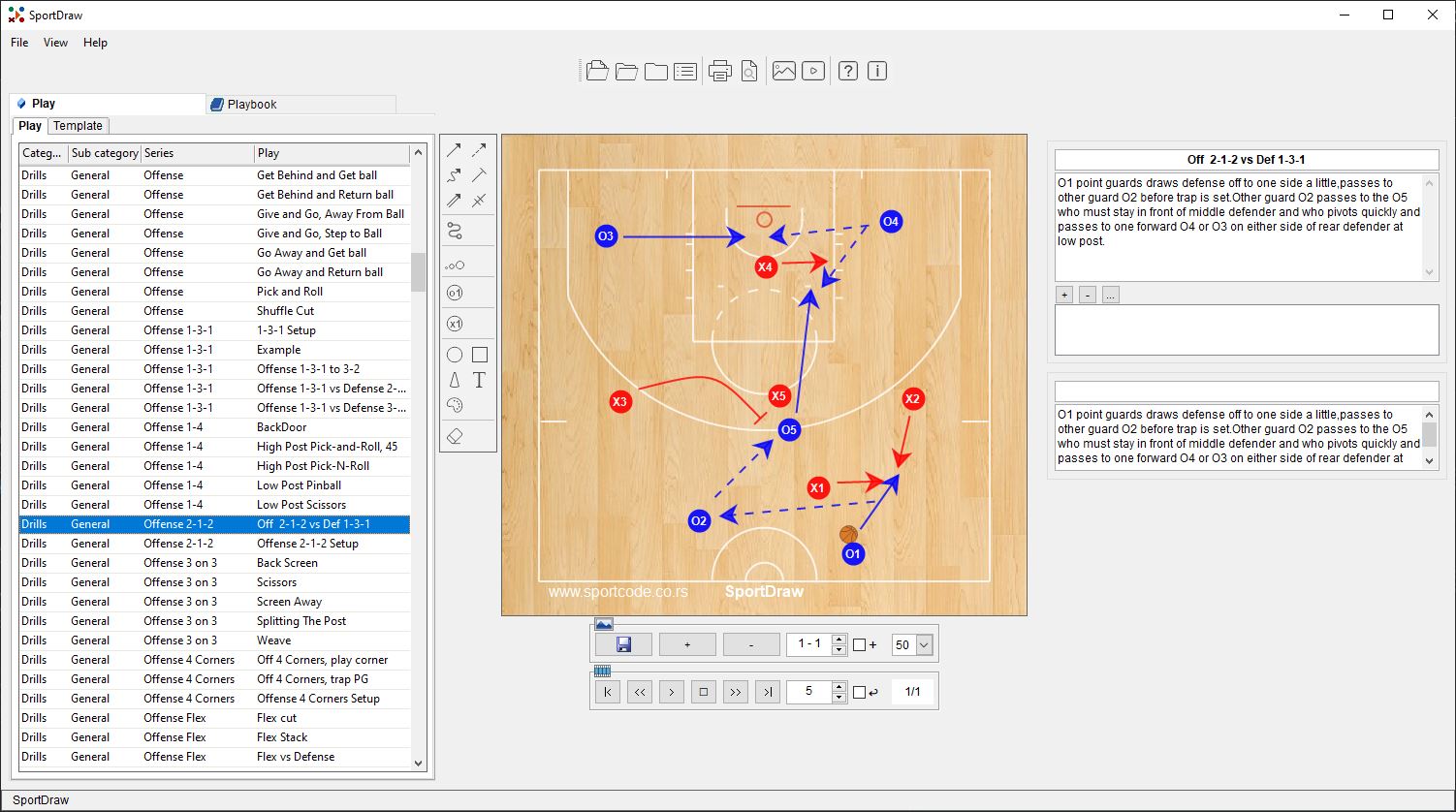
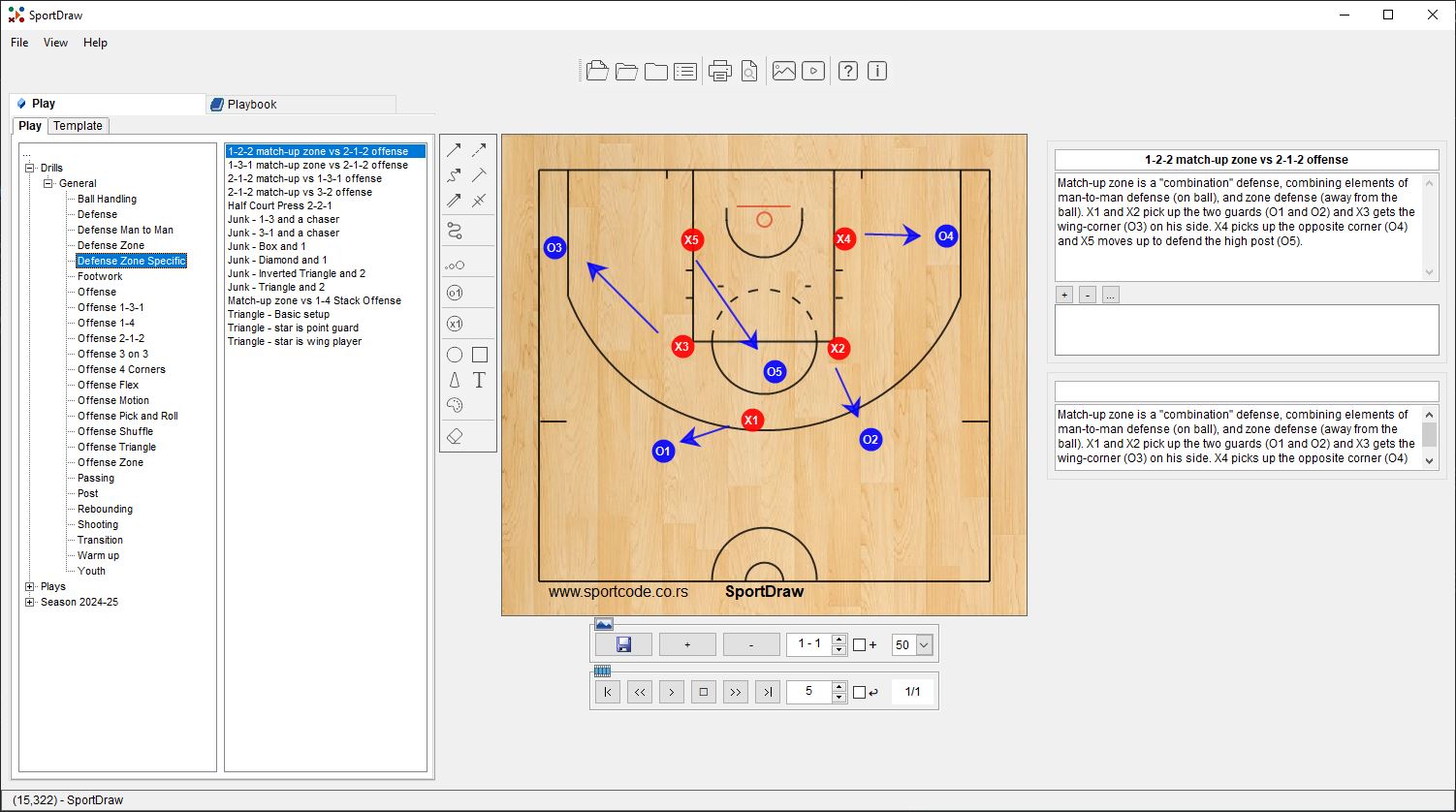
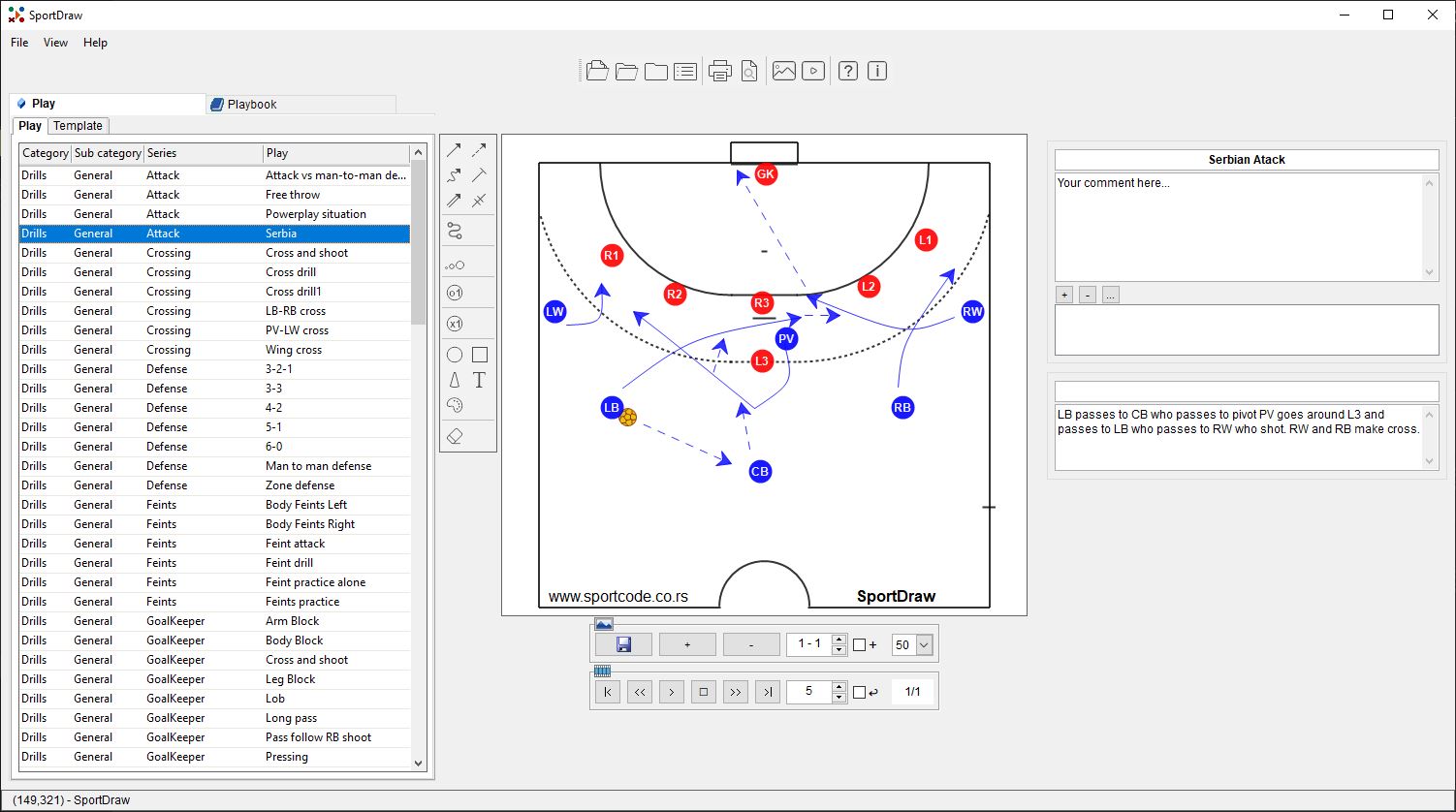
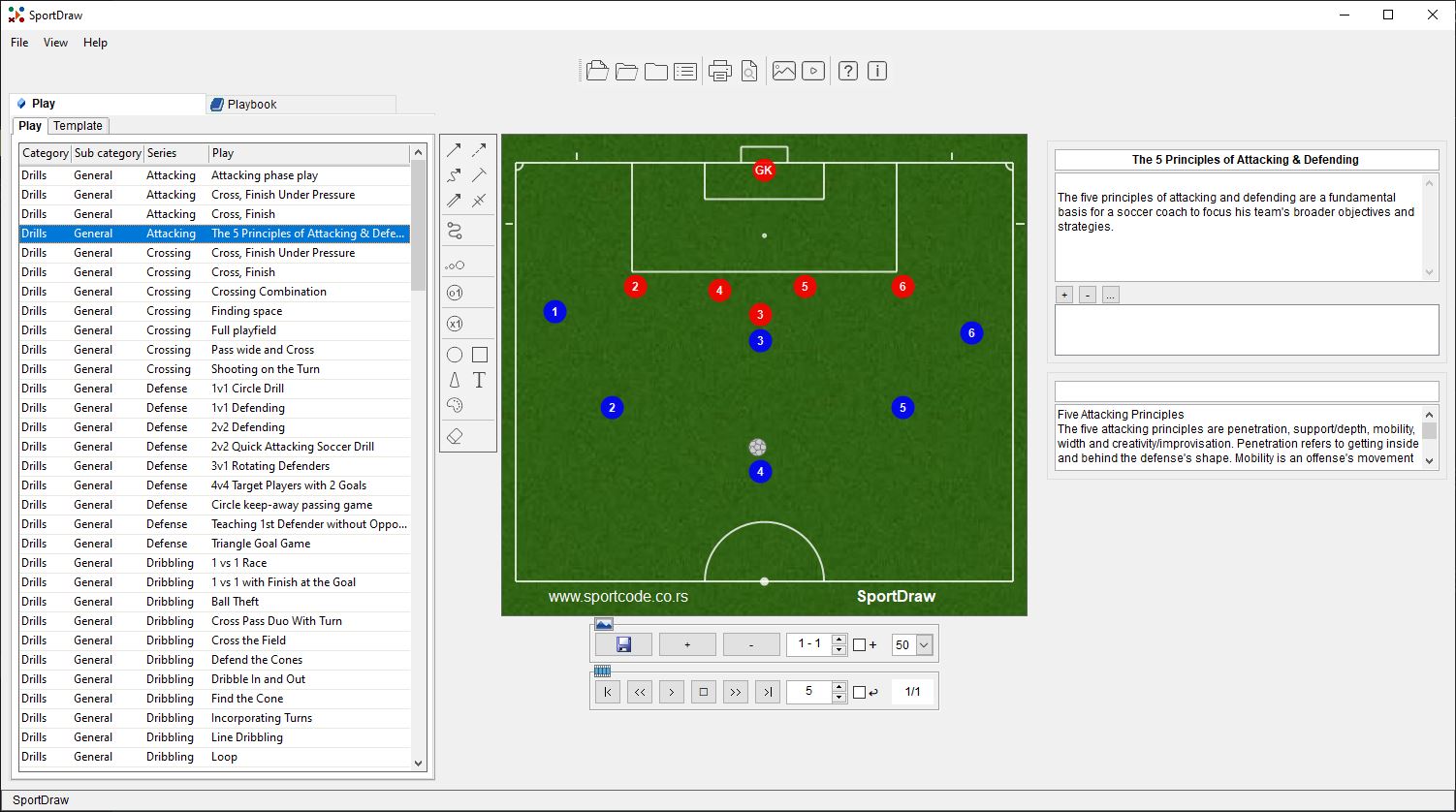
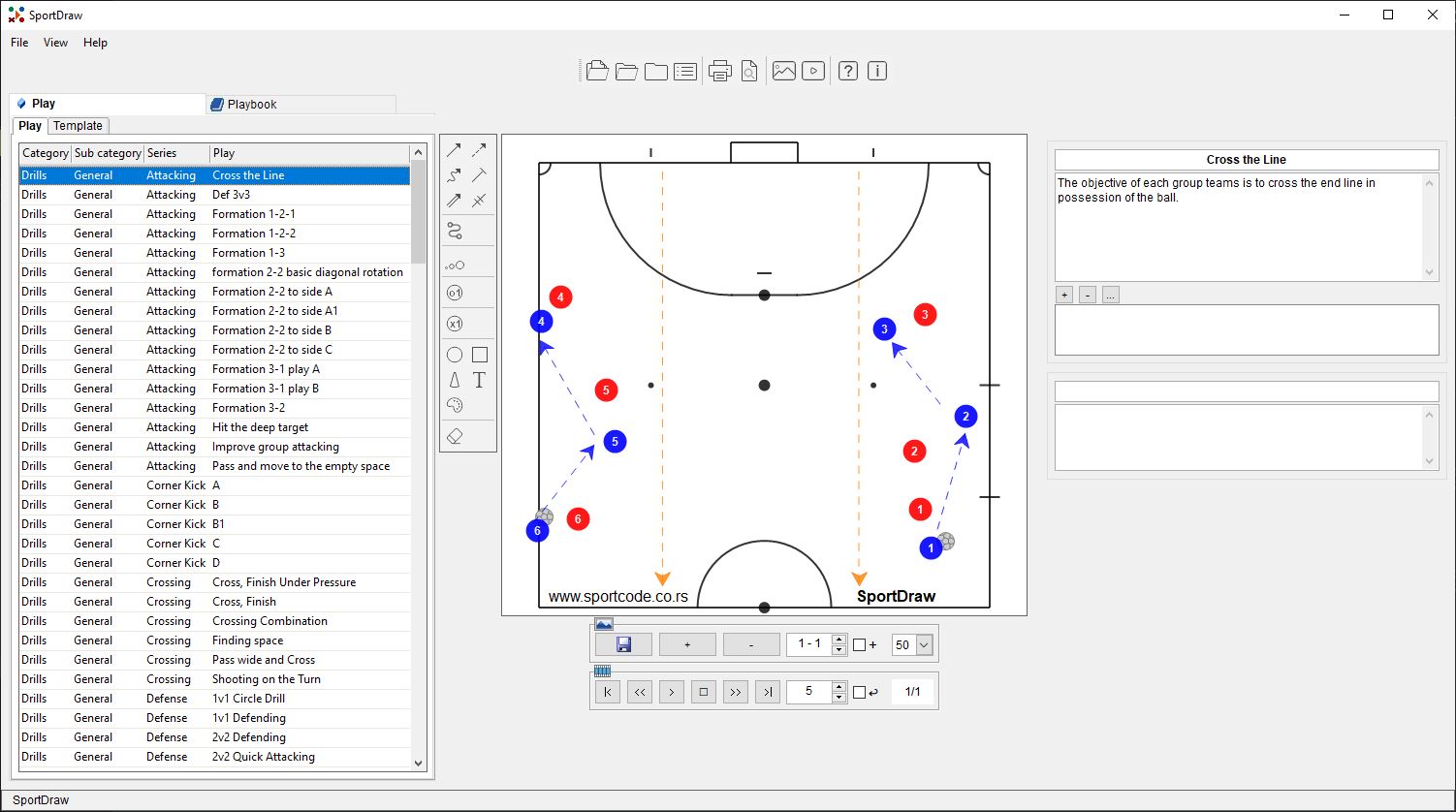
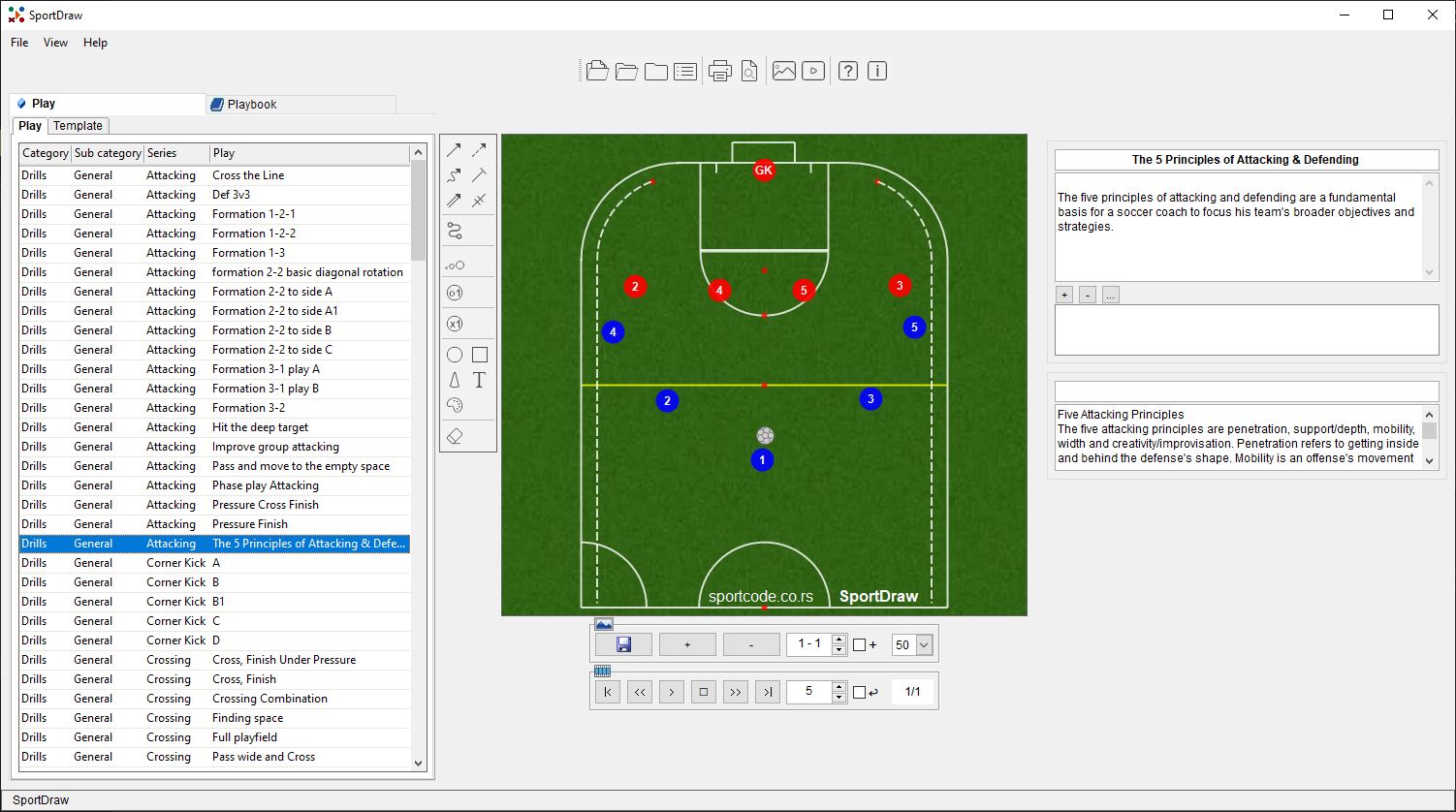
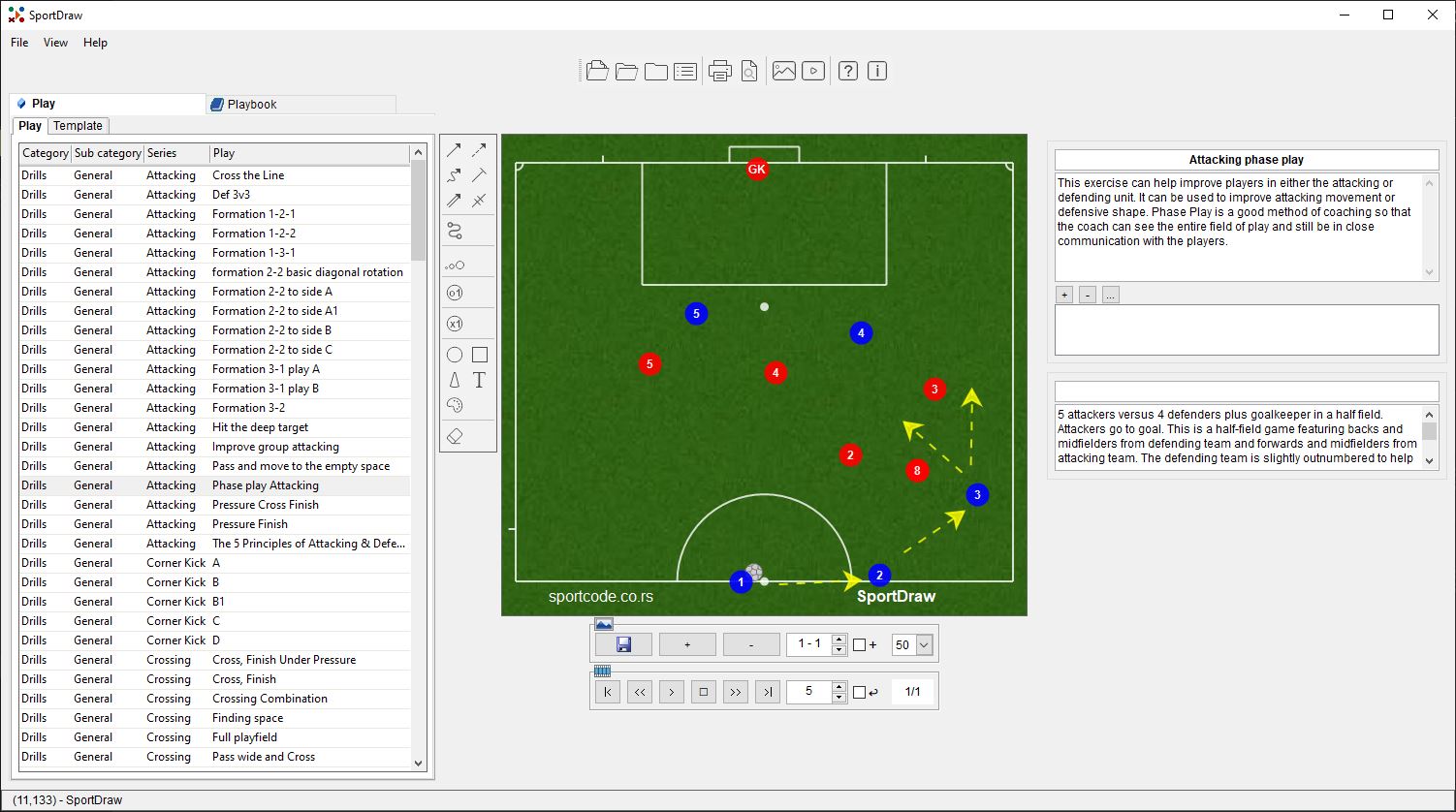
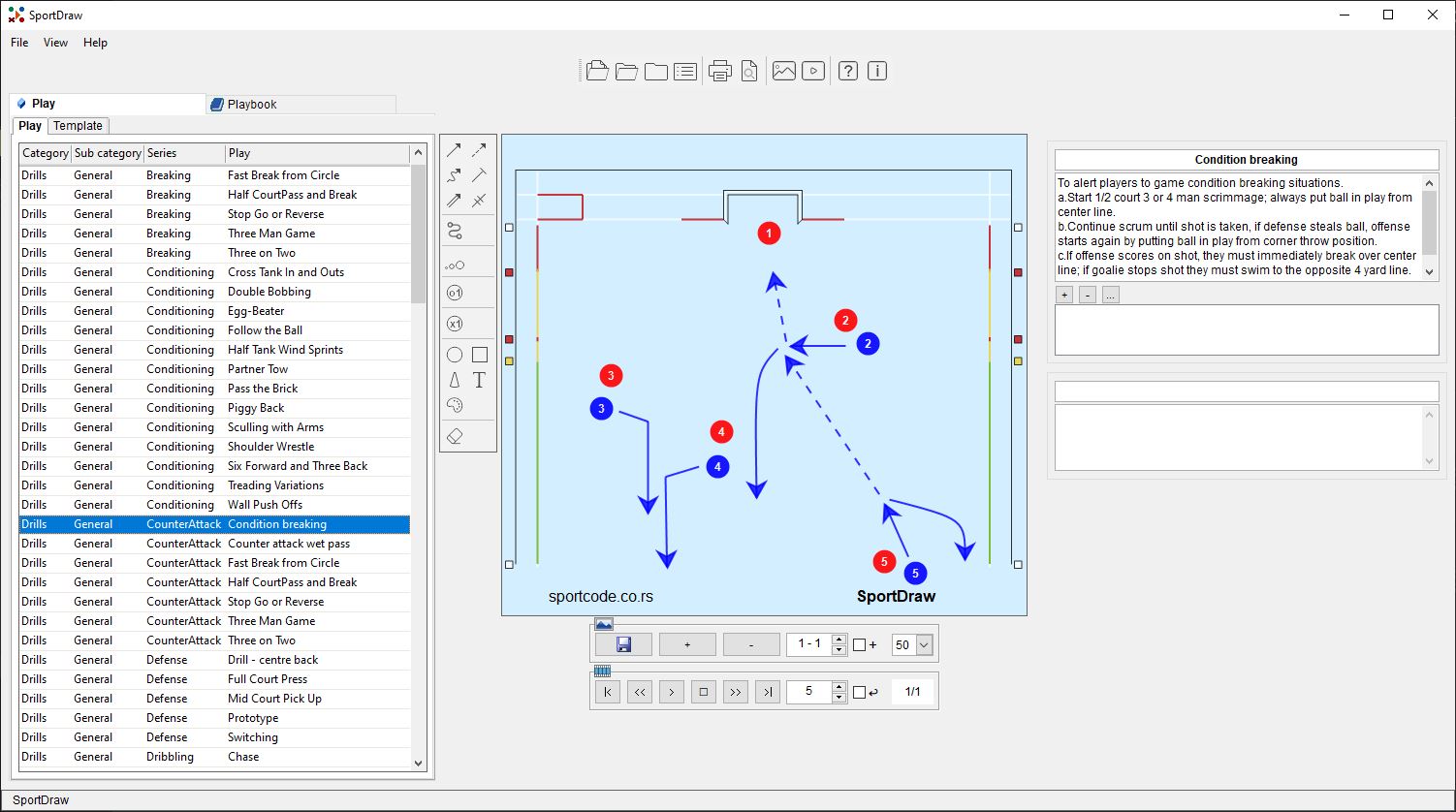
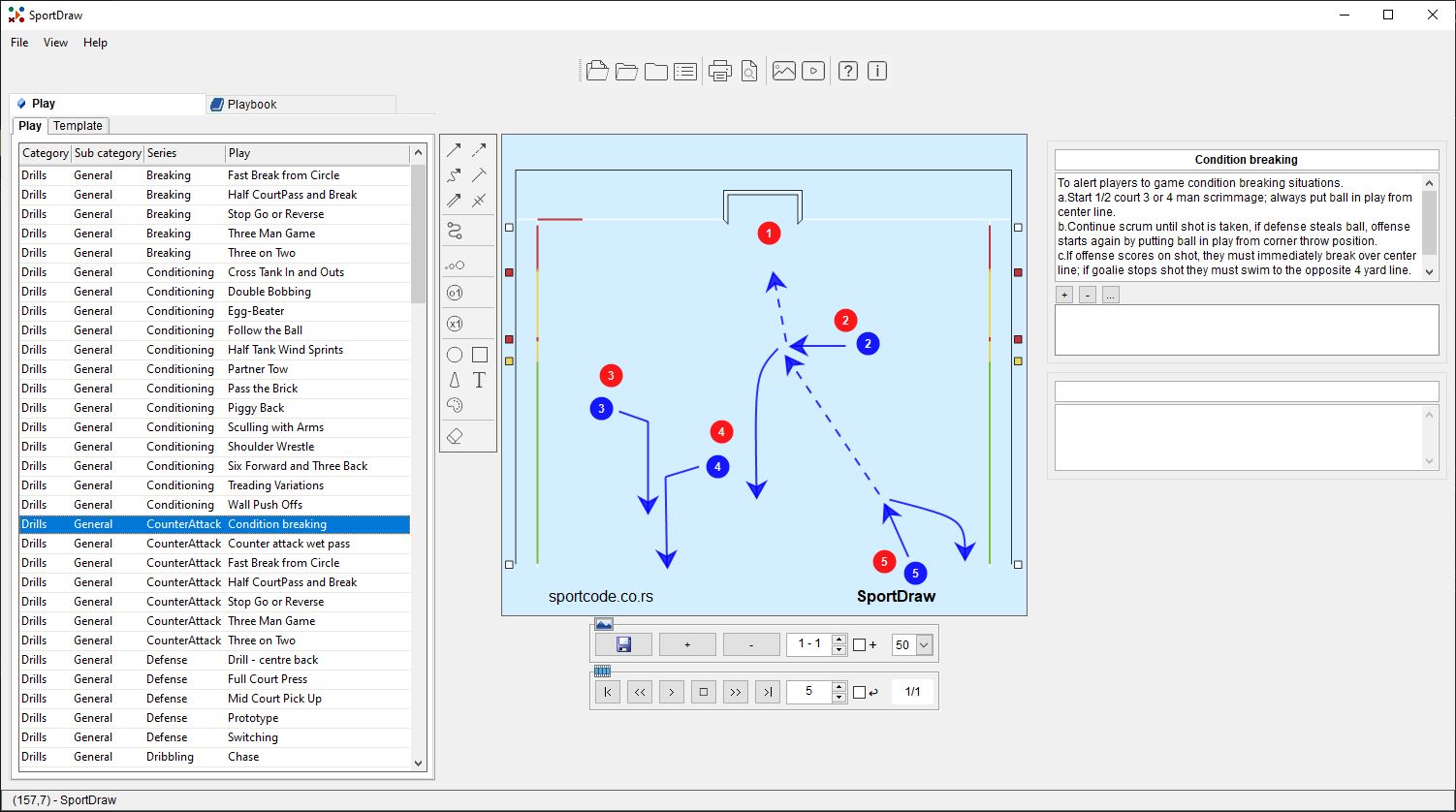
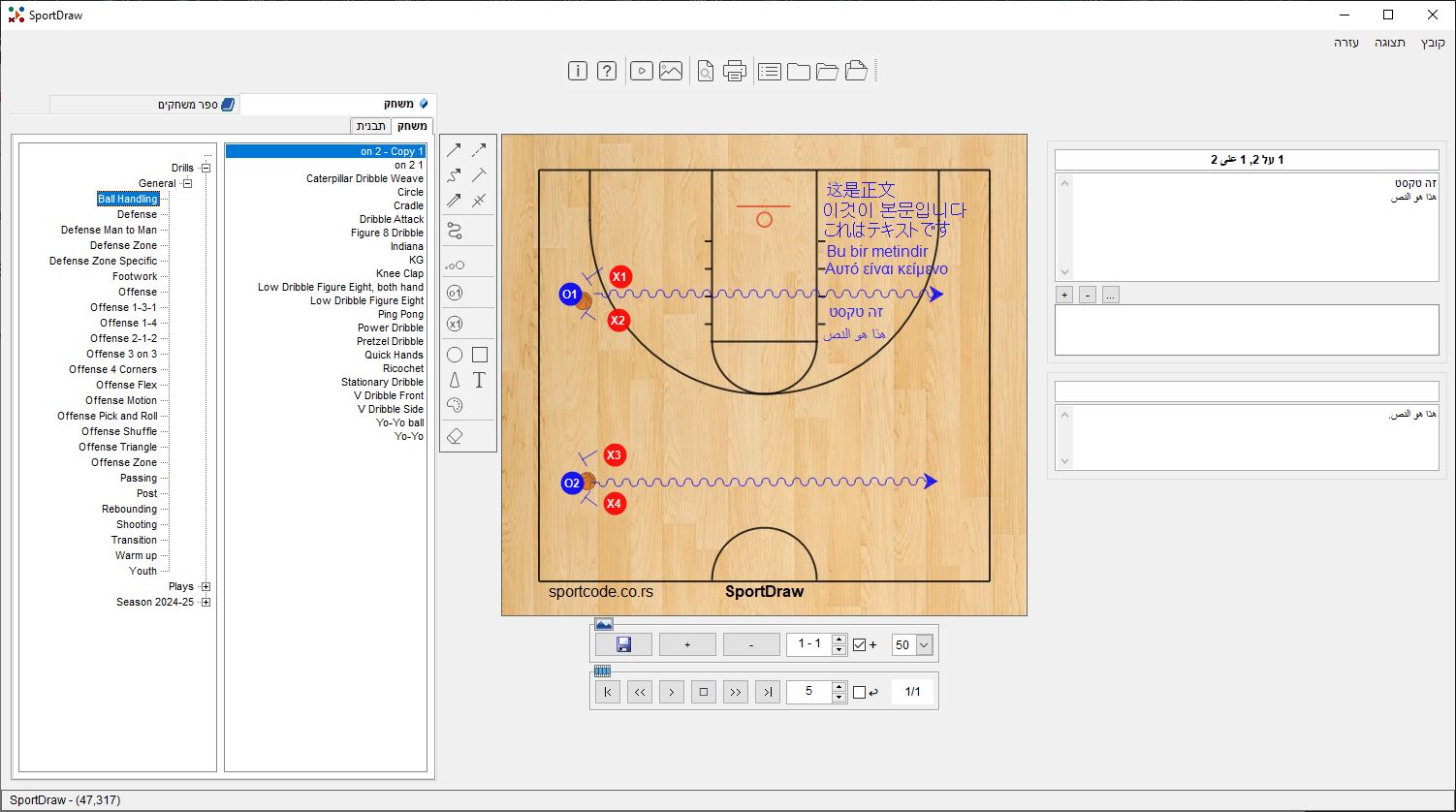
The same steps apply to Soccer, Handball, and Water Polo.
Yes, SportDraw includes high-definition court templates for both FIBA and NCAA regulations, including customizable scoring areas and 3-point lines.
SportDraw uses a unique, high-performance animation engine, so it does not support the import of proprietary file formats from other third-party software. However, the platform is designed for **maximum collaboration**: you can instantly share and import any playbook or drill created by other SportDraw users globally.
Use the multi-segment action lines to diagram ball movement and set player positions. The integrated video markup tool helps analyze execution after the drill.
Yes, we provide specialized court layouts and rule adherence for Futsal, Indoor Soccer, Arena Soccer (MASL), and Minifootball (WMF).
Yes, you can use the automated player movement feature to simulate 6-on-5 scenarios and test tactical advantages easily within the editor.
SportDraw is built to comply with both World Aquatics (FINA) and NCAA water polo standards.